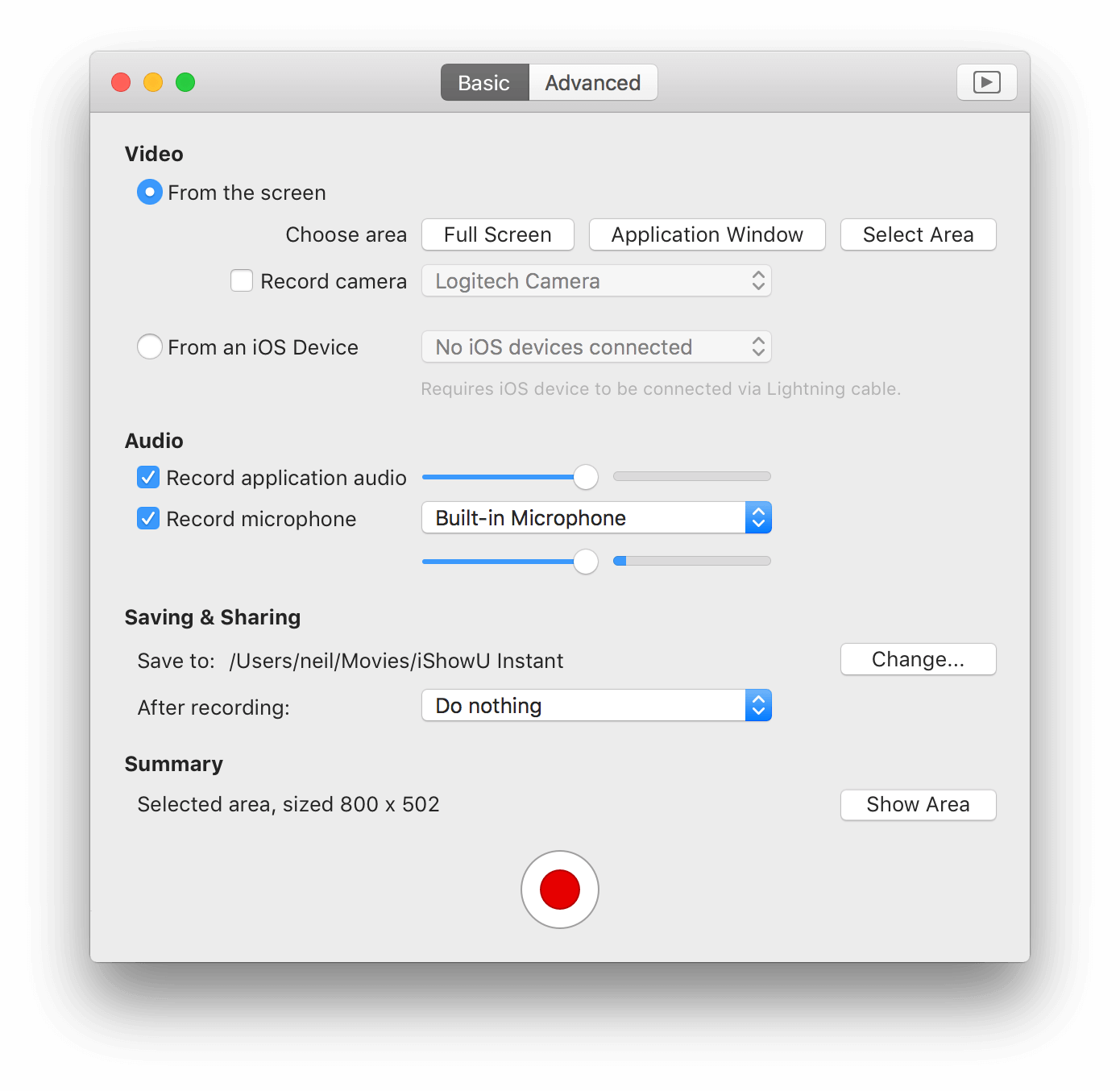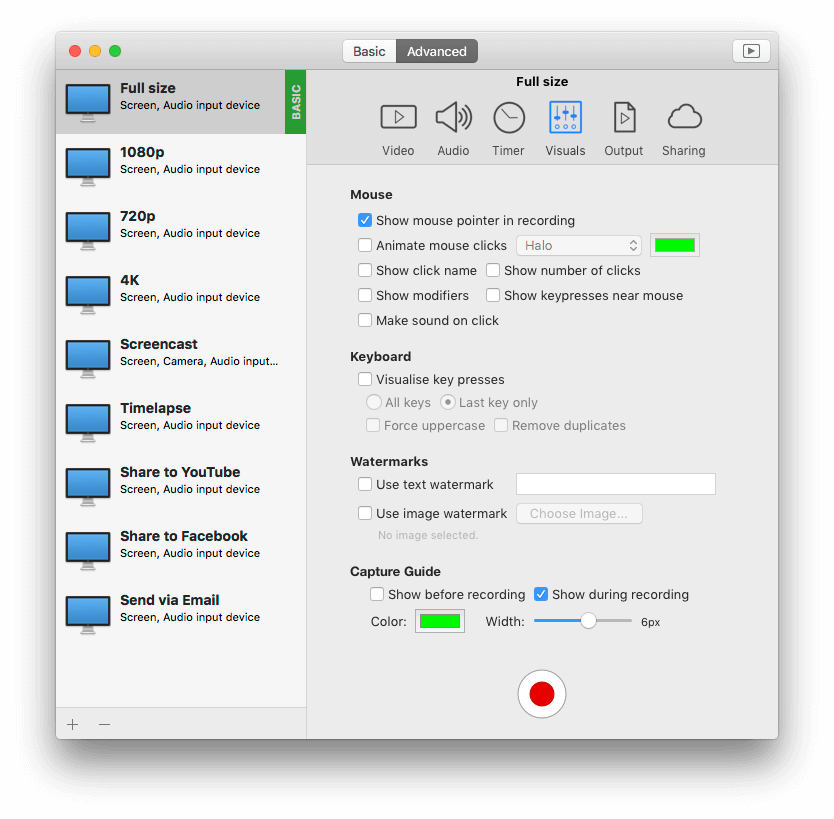

Download
iShowU HD & HD Pro 2.1.1
2.1.1 (24 May 2009)
    Noteworthy changes
    • Fixes for audio synchronization, video smoothing and a huge number of bug fixes.
    Fixes
    • Fixed crash when closing the upload error notification window.
    • Performance of the preview improved! (yay!), fans should no longer spin up in preview. Gee, that OpenGL course in Germany *was* worth it!
    • Fixed problems recording in Auto and Low CPU modes (introduced with prerolling support).
    • Eliminated audio/video sync issues that were occurring randomly.
    • Fixed a bug that'd cause the capture area to be slightly off now and then (race condition) on NVidia cards.
    • Fixed a crash bug with prerolling.
    • Fixed bug causing Digidesign and other multi-stream audio devices to fail. These should now record correctly.
    • Fixed compositing issues.
    • Fixed the timer overlay being recorded in the first couple of frames. Made it look nicer as well.
    • Fixed bug whereby pressing space to QuickLook a completed recording would edit the width/height if you had the QT tab open in the Advanced panel.
    • Fixed the YouTube script (uploading now works again).
    • Fixed a couple of issues that could cause HD to hang.
    • Fixed bug that could cause recording of system audio to fail sometimes.
    • Greatly reduced tearing that could occur over the mouse, watermarks or camera when under load.
    • Fixed a possible crash bug when deleting the video while it was compressing.
    • Fixed recent error with Camera (QTCaptureVideoPreviewOutput crashes)
    • Fixed a hang condition (yay!).
    • Fixed error handling within compressor so that it doesn't crash if certain errors are received.
    • Fixed bug where keyboard compositor would sometimes draw itself into the first frame of the movie even when no keys were pressed.
    • Fixed crash while stopping recording.
    • Fixed some bugs in Low CPU mode.
    • Fixed bug that could cause a crash when changing watermarks, camera or other compositors.
    • Fixed bug causing texture leaks in the capture pipeline.
    • Fixed a number of audio bugs (causing crashes). The system will now warn you if it can't do something (like set the default output device back to what it was before).
    • Fixed a bug in the upload service that could potentially cause a crash (when discovering services).
    • Soundflower is now unmuted if it's muted when you enable recording of computer audio (inc. making sure SF is configured correctly when choosing to record system audio).
    • Added options to show capture guide in preview and/or recording.
    • Shortcuts now work if Universal Access is disabled (won't work in full screen OpenGL applications however).
    • Fixed resume of movies in Auto mode (the end of the movie wasn't being written correctly).
    • Fixed a few small memory leaks.
    • Fixed some UI sizing issues for other Locales.
    • Fixed the crash with GMA950, and preview (would have crashed on startup).
    • Opps! Forgot to swap color bits for PPC machines - fixed.
    Changes
    • Pause is fixed.
    • Considerably reduced latency in the audio recording.
    • Fixed the compositors when drawing into negative space (left hand monitors).
    • Made a change to allow more keyboard types to work for shortcuts.
    • Fixed a bug that could cause a crash when reporting an problem with Audio (would only happen if there was a problem with Audio in the first place).
    • Fixed weird aliasing bug that was sometimes visible on the top / right of a full screen capture.
    • Fixed bug that would cause a corrupted movie if absolute silence was recorded in Low CPU mode (blame QT!).
    • Further enhancements to Low CPU mode.
    • Rate limiting smoothing enhanced (again). This kicks in if your computer can't keep up with the recording.
    • You can now use either delete key to delete a watermark.
    • Audio is now kept in sync over time properly.
    • Added Compress Rate to the performance monitor. This is the number of frames per second being sent to the compressor (excluding duplicates).
    • iMovie 06 HDV 720p capture size changed to 1280x720.
    • Added Intermediate - SD PAL. 768x576 30fps.
    • Widescreen formats removed from Final Cut presets (960x720 and 1440x1080). Not required when using square pixels.
    • Support for beta releases. You can now enable a check for beta releases in Software Update. This will keep you up to date with beta builds.
    • You can now start the capture from the menu bar menu.
    • About box, menus and window title now show 'iShowU HD Pro' if you are using the Pro version.
    • Increased the height of the key press overlay.
    • Key press overlay no longer shows spaces as symbols, doesn't show the shift key as often, no longer collects modifier keys together, and includes support for F17-F19 function keys.
    • Capture rate now limited to the refresh rate of the display (smoothes things out if you're running a low refresh rate).
    • YouTube high quality resolution now 852x480.
    • YouTube normal resolution now 640x360.
    • Added a menu bar item "show window" that lets you bring up the main UI window. Useful for those people who have turned off the "Show icon in dock" option in preferences.
    • Soundflower 2ch removed from the list of available input devices.
    • Updated the German localization.
iShowU HD & HD Pro 2.1.0
2.1.0 (28 November 2008)
    Noteworthy changes
    • Upgrade note
      If you run this version you won't be able to use a previous version of iShowU HD without first making some changes. Please see this post for details.
    • Recording Recovery - Normally if you have a crash or other terminal event during recording your work is lost (and that's BAD). shinywhitebox humbly preset: recovery. Restart iShowU HD and it'll now recover as much of your movie as is possible.
    • Low CPU mode is now more efficient - up to 35% depending on the size of your recordings (larger recordings see a greater efficiency boost). This means up to 35% less CPU and around the same reduction in disk bandwidth per second.
    • New: Now upload to blip.tv
    • New Low CPU modes - Now you can replicate iShowU Classic functionality and have variable length durations for your video frames (this'll break Final Cut compatibility - but at least you get the choice now). This option is available in pro mode only.
    • Thank you to everyone who installed Smart Crash Reports and submitted reports.
    Fixes
    • Fixed recording at 29.97 fps. Now imports correctly into Final Cut.
    • Fixed crash that could occur (audio related) when shutting down.
    • Fix for potential crash situation between grabber and preview.
    • Fixed crash on startup if screen not accelerated.
    • Fixed error where capture preview wouldn't restart upon un-hiding the app from the dock
    • Better detection of compatible screen types and cards at startup.
    • Fixed errors that were occurring when recording audio at high sample rates (96khz+).
    • Pause now ... pauses.
    • Upload scripts are now upgraded if necessary.
    • Fixed issues with HD (non Pro mode) when recording. Recording rate (fps) is now smoothly limited to what the compressor can achieve in realtime (since HD doesn't have a Low CPU mode). This results in movies that are considerably smoother than they were in previous versions (e.g: recording Google Earth).
    • All preset tooltips now have correct tooltips.
    • Now presents a warning dialog if an attempt to upgrade a persistent store fails.
    Changes
    • Mono option now forced in non-Pro mode (all channels are in mono now).
    • Improved audio capture (no longer get any pops/clicks when under load).
    • Extra checking around sound device manipulation.
    • Countdown timer can now be moved during the countdown (and doesn't overlay the entire screen any more).
    • More presets for Final Cut (Apple Intermediate versions of the ProRes presets).
    • Various registration system updates.
    • Default preview rate set to 12 fps (reduces preview load while idle).
    • Fixes and enhancements to the audio recorder.
    • Updated instructions on the Capture area display (Return - confirm capture area).
    • Update the manual with information about recovery mode, and the new Low CPU mode options (Off, Auto, On).
    • Added additional help items to the Help menu.
    • Added Brazilian Portuguese localization.
    • Added French translation.
    • Translators - updated xibs
      1. RegistrationController.xib
      2. CaptureSettings.xib.
      3. MainUI.xib
iShowU HD & HD Pro 2.0.6
2.0.6 (24 November 2008)
    Changes
    • Merged into 2.1.0
iShowU HD & HD Pro 2.0.5
2.0.5 (20 November 2008)
    Changes
    • Merged into 2.1.0
iShowU HD & HD Pro 2.0.4
2.0.4 (01 October 2008)
    Changes
    • Merged into 2.1.0
iShowU HD & HD Pro 2.0.3
2.0.3 (24 September 2008)
    Changes
    • Performance improvements to the Low CPU mode.
    • If you're showing keypresses and use the shortcut keys to stop recording, iShowU HD now correctly cuts off the end portion of the video that would show those keypresses.
    • Watermarks, keyboard compositor and camera are now centered correctly.
    • Fixed the inverted mouse cursor that would appear when using some applications (Word 08, TextWrangler for example).
    • Fixed a bug that caused HD to not record properly (would stop after a second or so).
    • Fixed some frame reconstruction issues only visible with very unusual capture/output sizes.
    • Sample watermark now updated to say "press delete to remove".
    • German and Russian localizations.
iShowU HD & HD Pro 2.0.2
2.0.2 (10 September 2008)
    Fixes
    • Fixed a bug causing the overlays (green boxes) to display in the wrong location.
    • Fixed issue causing the Display preferences icon to not show in Preferences.
    • Fixed performance issues with 8000 series cards.
    • Fixed issue with mouse follow modes whereby they would start jumping wildly when run at low frame rates.
    • Fixed issue with preview mode showing errors in the console log after recording.
    • Fixed a couple of bugs that could cause a crash.
    • Fixed bug causing keyboard compositor to not be shown in demo mode.
    Changes
    • Additional items in the toolbar pop up menus for capture and output sizes of two-thirds (2/3).
    • Smoother mouse follow modes.
    • UI now more responsive. It'll now aggressively limit itself (during preview only) to maximize the overall usability and experience of OSX.
    • Updated to Smart Crash Reports 1.5 - which we hope will remove some strange dialogs users have been seeing.
    • A number of performance optimizations.
    • Updated the manual.
    • The iShowU HD window is now hidden when choosing the selection area.
    • Capture sizes are no longer constrained to multiples of 32. This used to be the case for Intel GMA based machines.
iShowU HD & HD Pro 2.0.1
2.0.1 (06 September 2008)
    Noteworthy changes
    • While the X3100 no longer crashes, it's much slower than we would like. We are working with Apple to solve this issue.
    • Performance enhancements to capture. Most noticeable on machines on Intel NVidia 8xxx graphics hardware.
    • Fixed hang bug with X3100 and MacBook.
    Fixes
    • Preview now limits its frame rate to that specified in the video capture settings.
    • Fixed crash in mouse movement.
    • Fixed bug causing preview window not to resume after being hidden.
    • Fixed keyboard compositor crash.
    • 1:1 capture now clearer.
    Changes
    • Support for multiple graphics cards (e.g: X1900 & 8800GT in a MacPro).
    • "Open Settings" has been changed to "Open Presets".
iShowU HD & HD Pro 2.0
2.0 (30 August 2008)
    Noteworthy changes

    • First Public Release

Requires OS X 10.5 (Leopard) and a G5 or Intel based Mac.

Does not run on G4 machines - or OS X 10.4

blocks_image